How a sour beer and tokens unbricked my cycling controllers
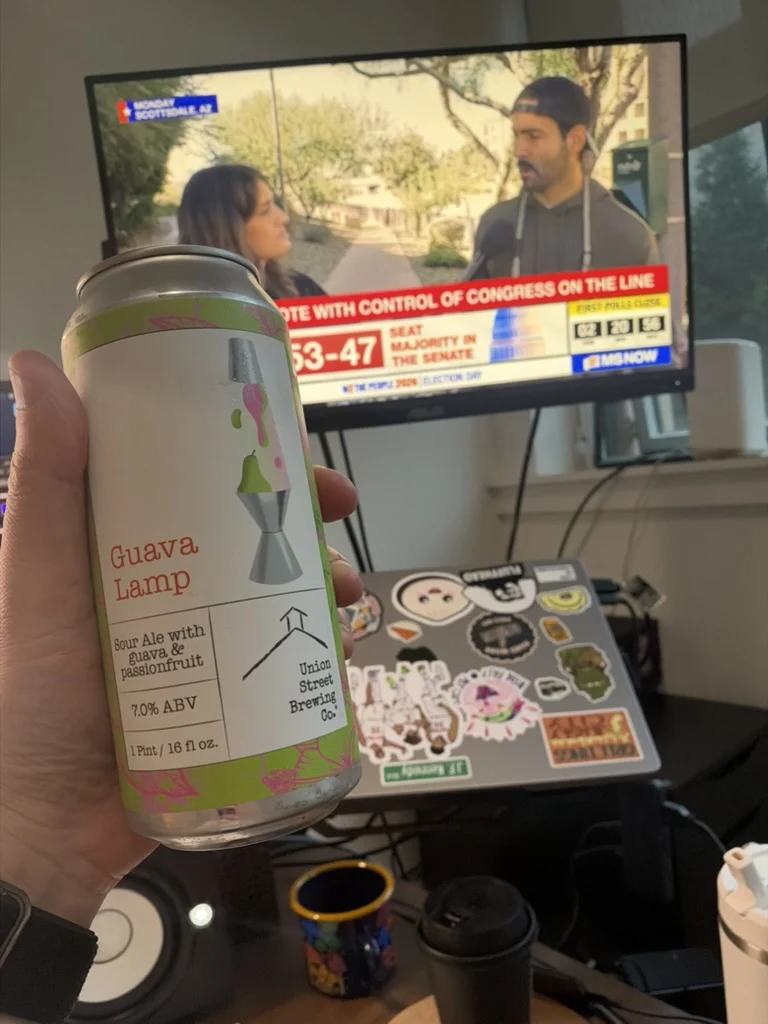
It's election night in the US, and I'm sitting in my home office watching the results come in and drinking a delicious sour.
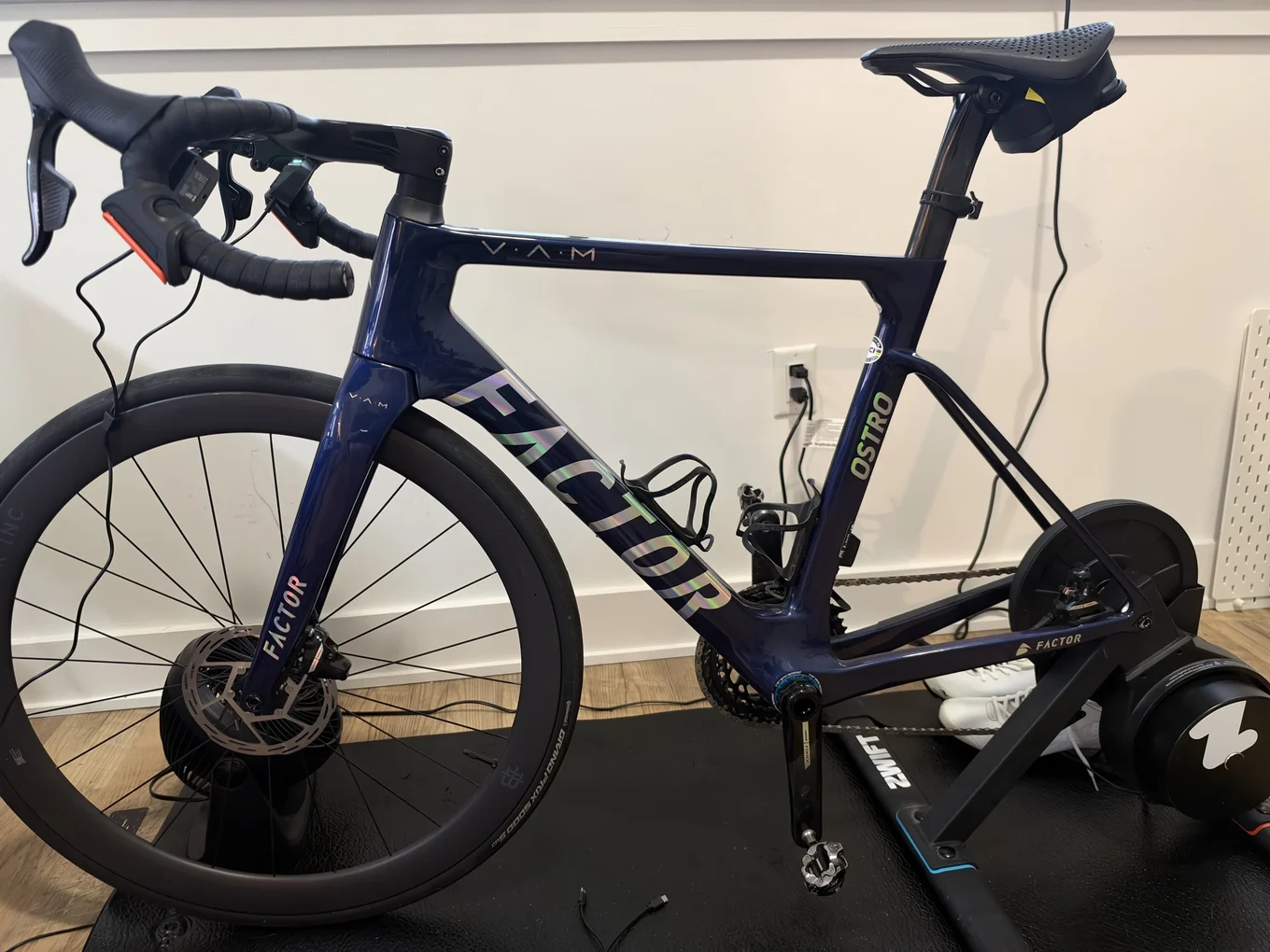
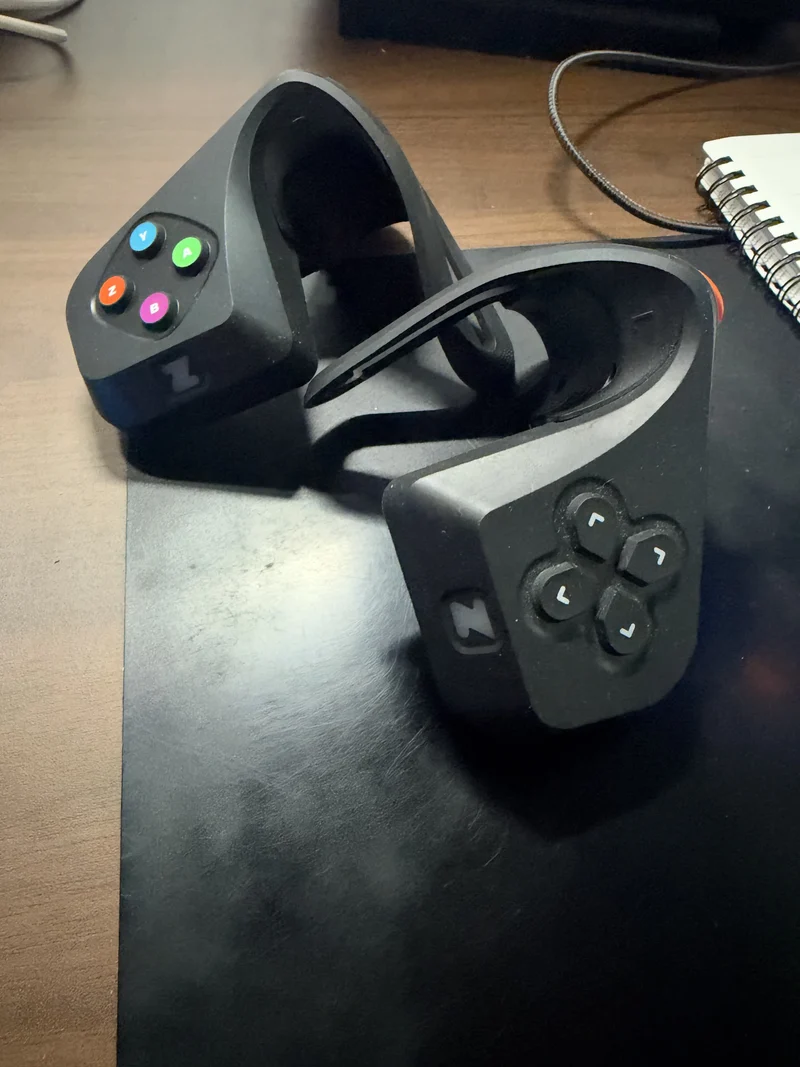
Earlier that day, I set up my Zwift KICKR CORE and hooked it up to my bike. I also pulled out my Zwift Play controllers. They let you control your avatar in the game.
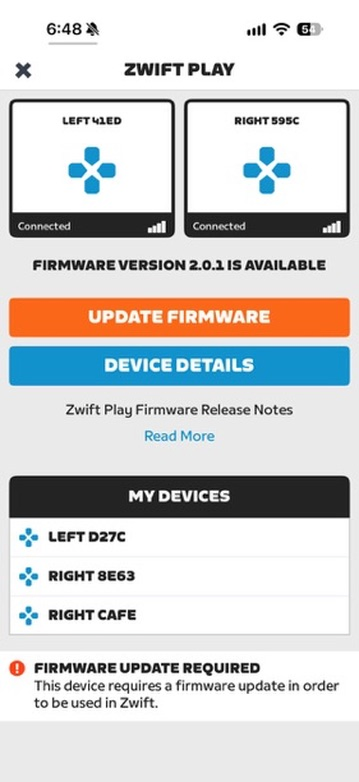
I'm just watching TV, so I open the Zwift app. I get a notification that my controllers have a firmware update. I haven't used them since the spring, so that makes sense.
I press the update button inside the app and wait. After 20 minutes, the update is still at 0%. Both Play controllers have a solid yellow light.
I wait 10 more minutes and start getting worried. So I do the bad thing and hold the power button on both controllers. Figured I'd cycle the power and try again. Now neither one will turn back on.
Maybe the batteries are low. They've been in my closet all year. Thankfully, I have an extra pair still in their box. I charge them for 30 minutes and try the update. Same thing. Now I'm actually like oh shit.
I ask Chat if anyone else is having the same problem. Lo and behold, there's a Zwift forum thread full of people seeing the same thing. Zwift tells iOS users to update Companion first and says to contact support if the controllers are still unresponsive. Zwift forum thread · Zwift Play release notes
I'm a bit mad cuz I wanted to ride in the morning.
I open the Zwift app and all four controllers are still discoverable.
That's weird. None of the lights are flashing, but the controllers must still be on somehow.
The sour starts coursing through my veins, and I remember I have the magical power of tokens! So I put Codex to work:
I ask Codex to scan for them over Bluetooth without flashing or resetting anything yet. It writes a Python script using Bleak and finds all four in a 30-second scan. It can connect to them too, and they're all advertising Nordic Secure DFU. Their bootloaders are still responding.
I'm mostly a product engineer, so this is definitely outside my wheelhouse. I would've stopped here in 2022. But it's 2026, and we engineers can learn how to do pretty much anything now.
I ask Codex to try resetting them from the Mac. It sends a Nordic DFU Abort command, and the controller disconnects and comes right back in DFU mode. Same thing with the others. I try a USB-C data cable, but nothing shows up as a USB device. So we can talk to them over Bluetooth, and now we need the actual firmware. Still SOL.
Maybe the Zwift app saved the firmware somewhere on my Mac. I ask Codex to look, and it finds references to an update API. Still no firmware file or working download URL.
Now I'm determined. And then it dawns on me. Maaaybe we can make a fake Zwift controller that the Companion app on my phone can connect to and send the firmware to.
We start with my MacBook. To show up as a Zwift controller, our fake needs to advertise Manufacturer Specific Data with Zwift's company ID, 0x094A, and the payload 02 CA FE. Apple's public CoreBluetooth API doesn't give us a way to set that field.
Codex asks if I have a Linux computer or an Android phone. My gaming PC can dual boot into Omarchy, but my monitors are plugged into my MacBook. I'd have to press a few buttons and stop watching the midterms for a few minutes, and I don't feel like doing that.
I've worked with React Native at a few jobs, so I still have an old Pixel. I dig it out of a drawer and plug it in to charge.
The Pixel has enough charge now, so I allow USB debugging. Codex installs Play DFU Capture over ADB. The app advertises CAFE with BluetoothLeAdvertiser and exposes Nordic Secure DFU (0xFE59) through BluetoothGattServer.
I open Zwift Companion on my iPhone, and RIGHT CAFE is right there. Companion needs a left and a right controller before it'll offer the update, so I select CAFE and one of my real left controllers and hit update.
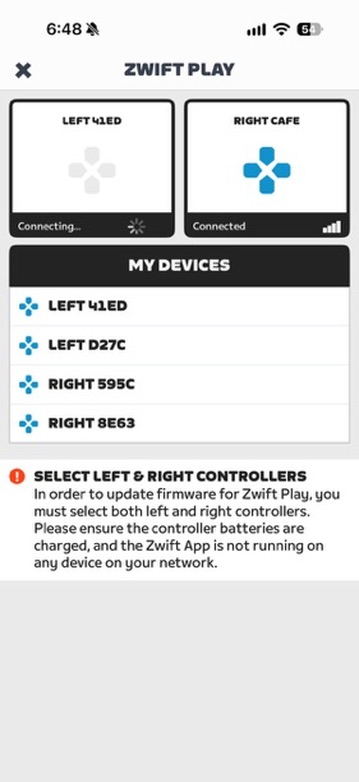
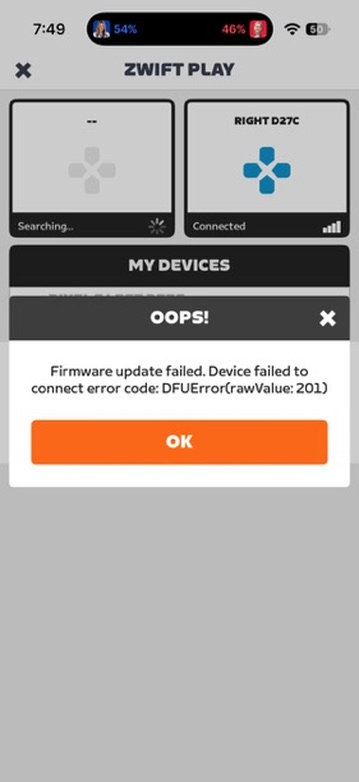
Companion is still at 0%. On the Android side, I can see a 154-byte DFU init packet and 512 bytes of firmware in the logs. I try again and get exactly 512 bytes of firmware before it stalls.
Codex changes the maximum DFU data object size our fake controller reports from 4,096 bytes to 512 bytes, and we rebuild the Android app. This time, all 173,692 bytes come through, and the SHA-256 hash matches the one in the signed init packet.
I feel like a god.
An hour ago, I was picturing a week without riding and a call to customer service. Now my old Pixel has what looks like the firmware I need!
Turns out there's more to download. Codex checks the DFU metadata and sees the Nordic SoftDevice and bootloader. I still need the Zwift Play application, the code that runs the controller.
In Nordic's iOS DFU Library, Codex finds a way to get Zwift Companion past the system stage. When Companion sends Execute for the system init packet we already have, our fake receiver replies with Operation Not Permitted (0x08). Companion moves on and sends us the 180,488-byte application and its 213-byte signed init packet.
Codex pulls the files off the Pixel over ADB. It checks the SHA-256 hashes and uses a public key from the captured bootloader to verify the ECDSA signatures. The checks pass, so I tell it to flash the RIGHT controller first.
I start with just the signed application. Codex sends it from the Mac using Bleak and Nordic Secure DFU. The CRC32 checks match all the way through, and the controller acknowledges the final Execute command.
Then the controller disconnects, and the script times out waiting for it to come back. Codex runs another Bluetooth scan and finds it under a different CoreBluetooth UUID. We'd been looking for the old DFU identity. Codex connects, finds the normal Zwift GATT service (0xFC82), and reads the serial number and firmware version from the Device Information service. The serial number matches, and the controller is running firmware 2.0.1.
I look at my controllers, and the lights are on! It worked! I tell Codex to do the same thing to a LEFT one.
That LEFT controller accepts all 180,488 bytes with matching CRC32 checks and acknowledges Execute. Codex scans again, but it can't find the controller advertising Nordic Secure DFU or the normal Zwift service.
I look at the LEFT controller, and the light is solid red. Shit. I wonder if the LEFT and RIGHT controllers use different firmware. I was so excited when the RIGHT one worked that I hadn't thought about that. I turn the LEFT one off and try to turn it back on. Nothing. I ask Codex to scan again, and it still can't see it.
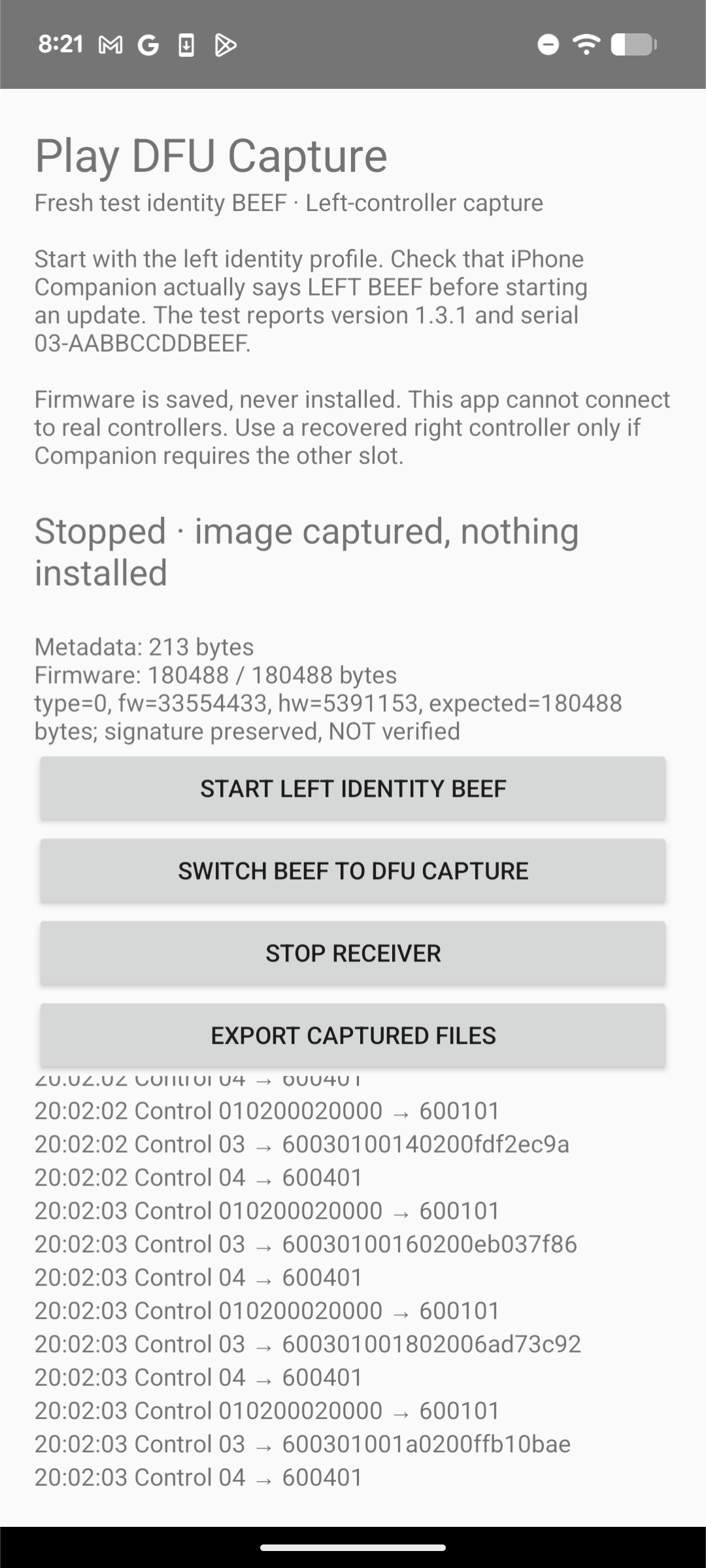
I flash the other RIGHT controller, and it comes back on firmware 2.0.1 too. Before I flash the remaining LEFT controller, I want to see what Companion actually sends to that side. Codex sets up BEEF on Android with the manufacturer payload 03 BE EF and handles the RideOn 2.3 handshake and DFU_START request.
A few builds later, BEEF is in the LEFT slot. I restart Companion with BEEF still in DFU mode, and we capture the application again. Same application, same signed init packet. Both match the RIGHT capture byte for byte.
OK, let's try the second LEFT controller. It reboots and comes back advertising Zwift's normal 0xFC82 service. Codex reads the Device Information service and gets the matching serial number and firmware version 2.0.1.
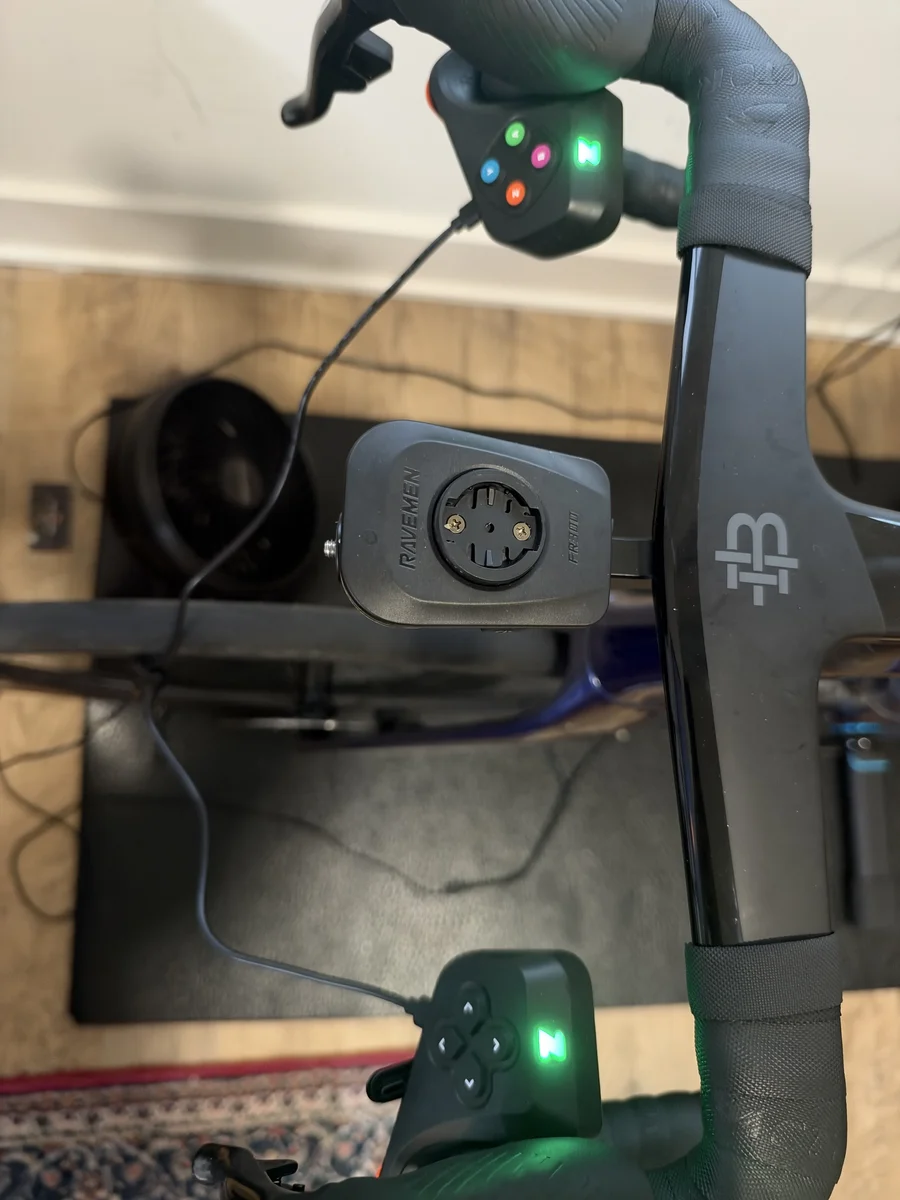
I try the first LEFT controller again. A 30-second hold of the Z button does nothing, and the USB cable and charger that work on another controller don't get a light out of it either. Codex can't find it in a BLE scan or in the Mac's USB device list in IORegistry. I still don't know what happened to that one.
At this point, I'm already flying high. Three out of four isn't bad, considering I was at zero a couple of hours ago and figured I'd be SOL until customer service sent a replacement. I ask Codex to create a CLI for anyone stuck in the same situation. Then I realize I can't just share the firmware.
We turn the Python scripts into zwift-play-recovery. You run zwift-play to scan over BLE, pick a controller, and flash the signed application. You'll need a local copy of the exact 2.0.1 firmware we captured, which stays out of the repo.
This was such a cool experience that I felt like I had to write it up and share it. Hopefully it helps someone in a similar situation.
It still feels a little magical that I can do this with an agent.
And the sours were delicious. Happy riding :)